

A workspace for people and agents
Organize your work on a shared board.
Work on your own, with a team, or with AI agents. Keep tasks and the decisions behind them together, with links to the work wherever it happens.
Our team can also work on your product. Agents do most of the work, with a person you can reach when you need help.
- The brief
- What you want to achieve, what matters, and what a useful result looks like.
- Supporting material
- Files, source links, and related cards needed for the task.
- The conversation
- Questions, decisions, and corrections as the work develops.
- The result
- Links to the work, your feedback, and what needs to happen next.
Work with our team
Bring us the work you want done.
You or your project manager set priorities and review the results. Our agents do most of the work on your product, asking questions and sharing progress on the board.
If an agent gets stuck or an urgent issue needs attention, you can reach a person on our team. We step in to investigate and help move the work forward.
We start by setting up the guardrails and the environment our agents need. Your initial payment includes that setup and three months of regular service, followed by a monthly service fee.
Make the next step clear.
Write down what needs to happen, who is taking it on, and what they need to get started. Keep questions and updates on the card as the work develops.
Open the linked result, discuss it, and record what comes next. Someone joining the task can catch up without piecing its history together from scattered conversations.
- 1Describe the work
Add the goal, supporting material, and what a useful result should look like.
- 2Decide who takes it on
Keep it for yourself, assign a teammate, or ask an agent to help.
- 3Follow its progress
Add updates and answer questions as the card moves through your workflow.
- 4Review and continue
Check the result, give feedback, and record the next step on the card.
Arrange the board around your process.
Name the lists for the stages you have in mind. Move cards from left to right as the work progresses, and add or rearrange stages when your process changes.
You decide what each move means. Use the names your team understands, and add a review stage or a waiting list if your process needs it.
Keep using the tools where the work belongs.
Link to a document, a design, a spreadsheet, or anything else with a URL. The card gives you a place to discuss the work and follow its history across tools.
Bring agents into the work when you need them.
Give an agent a card with the relevant context. It can use its connected tools, ask questions, and bring the result back. You choose which steps it handles and when it should wait for a person.
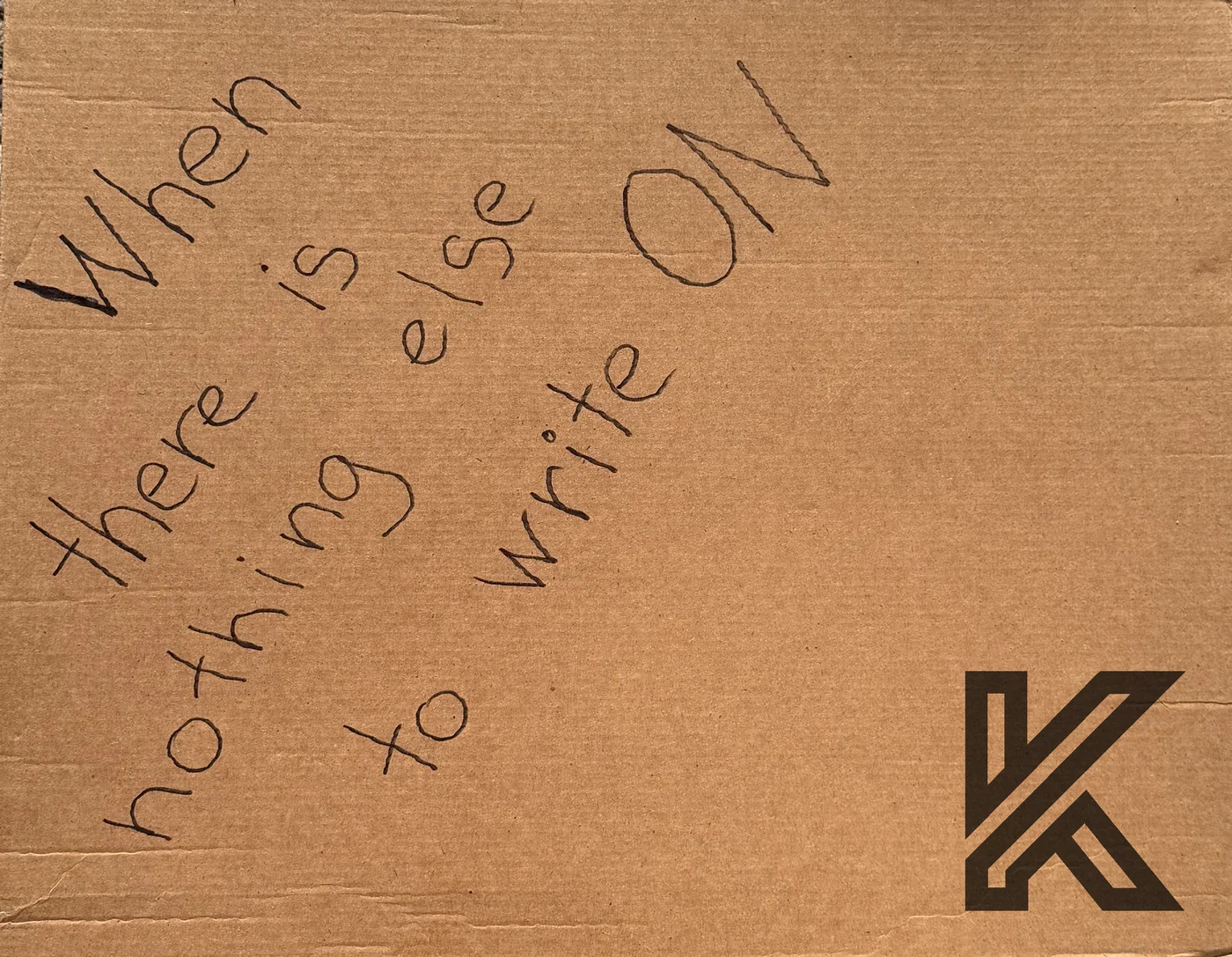
The first card was cardboard.
A few ideas and questions on a piece of cardboard gave us a place to start. As we worked, we added context and shared it with an agent.
Kardbrd grew from that habit: keep the work in view, add what you learn, and give the next person or agent enough context to continue.
What work do you want to get moving?
Tell us what you want to get done and who handles it today. We can help you use the board with your own team, or discuss having our team do the work.